Set Up the Report
New here? Start with How HAMI Voice Works: template, survey, report.
Every completed survey can make a PDF report. You choose how it looks once per template. Do it after you publish the template, and again after each new version. For everything the report designer can do, see AI Report Builder.
Design the Report
-
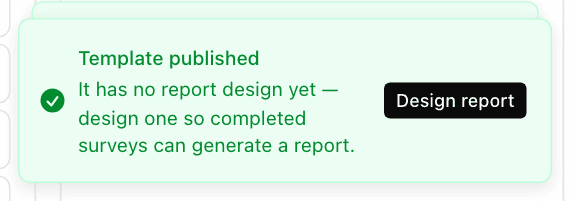
Open the template from Services › Survey Templates and choose Design report. Or, straight after publishing, choose Design report in the Template published message.

-
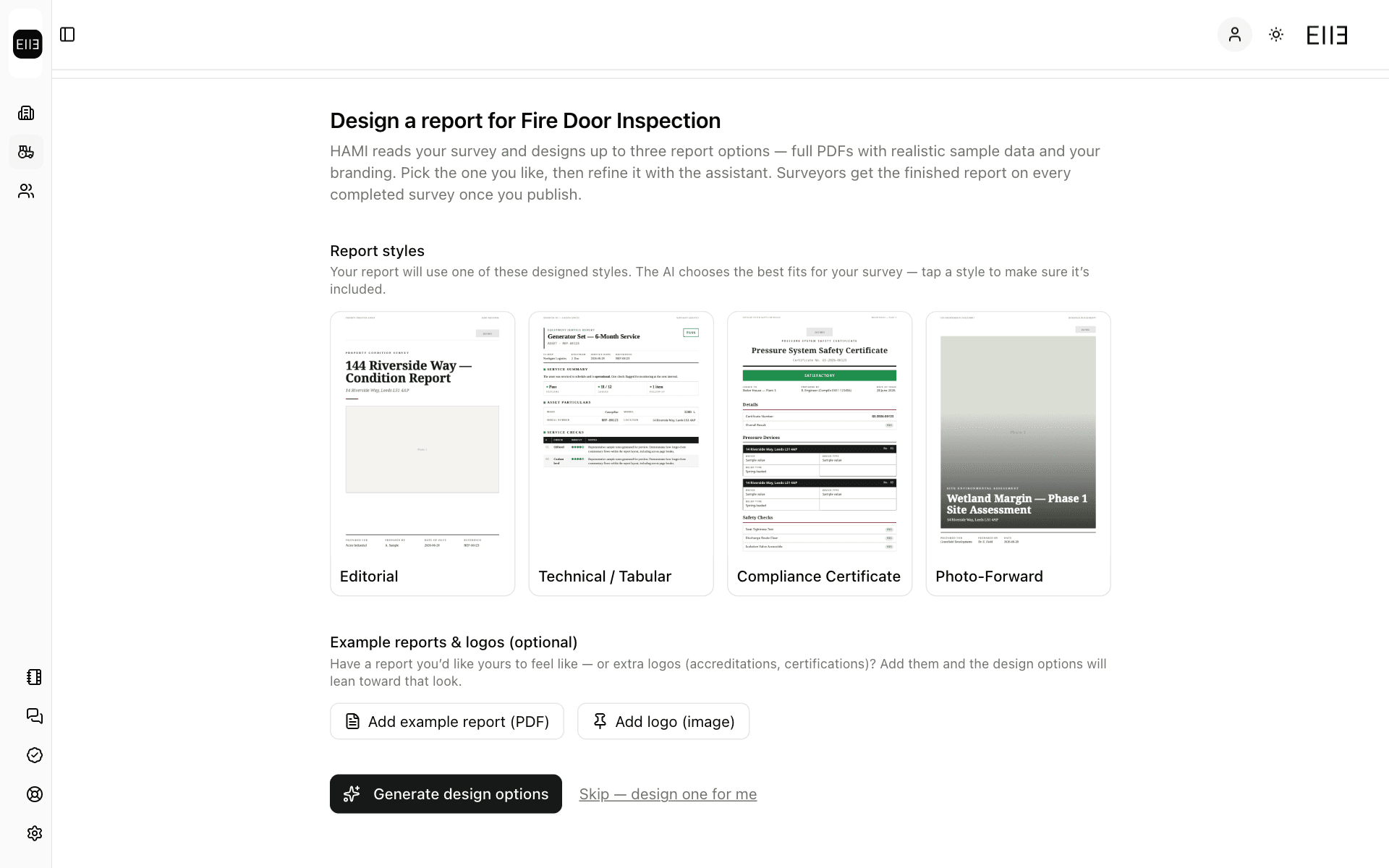
On Design a report for your template, you can pick a look under Report styles, and add an example report or your logo under Example reports & logos (optional). Both are optional.
-
Choose Generate design options. The AI reads your template and makes 3 options. Wait until all 3 previews show.
-
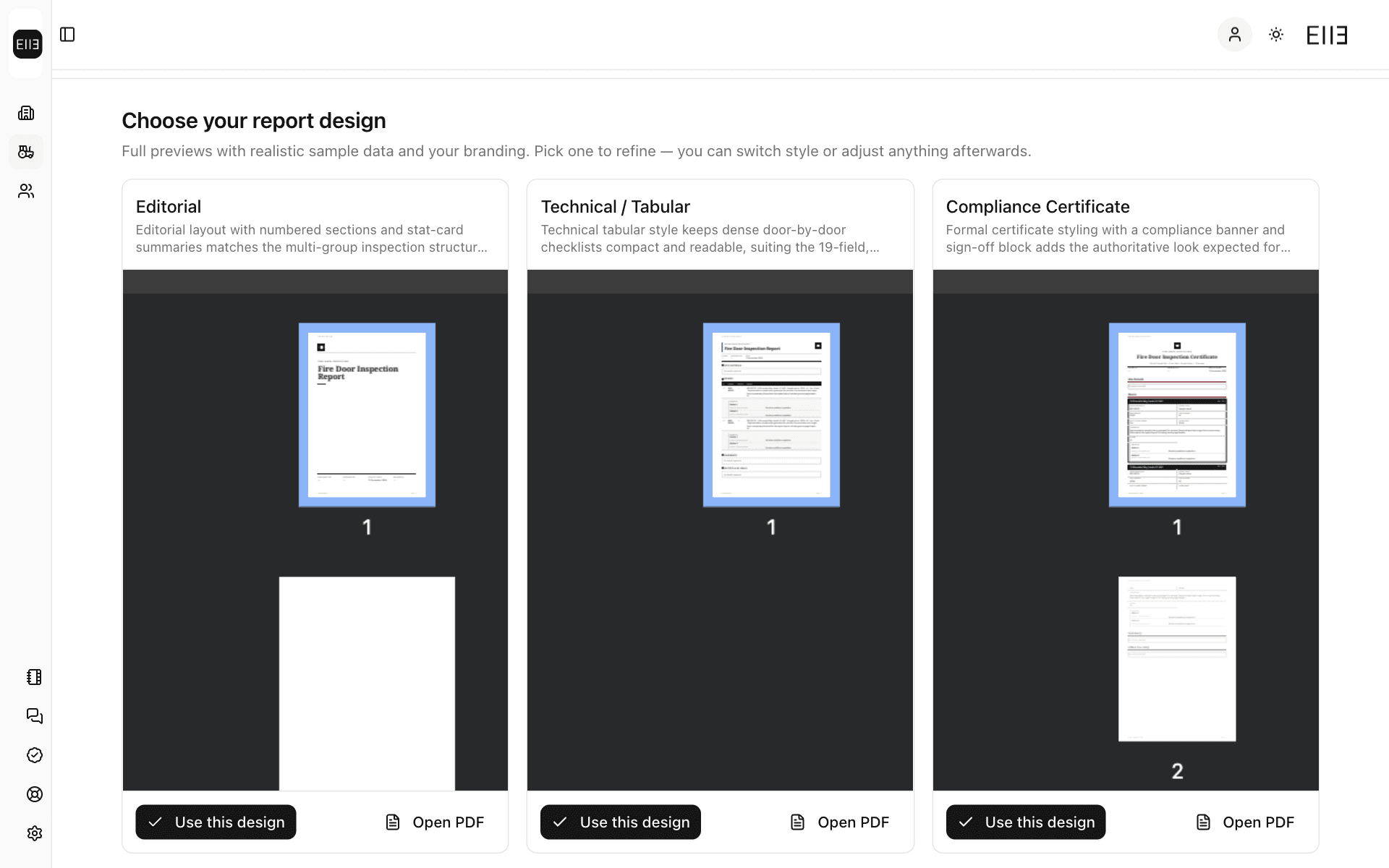
Under Choose your report design, look at each preview. Choose Use this design on the one closest to what you want.
-
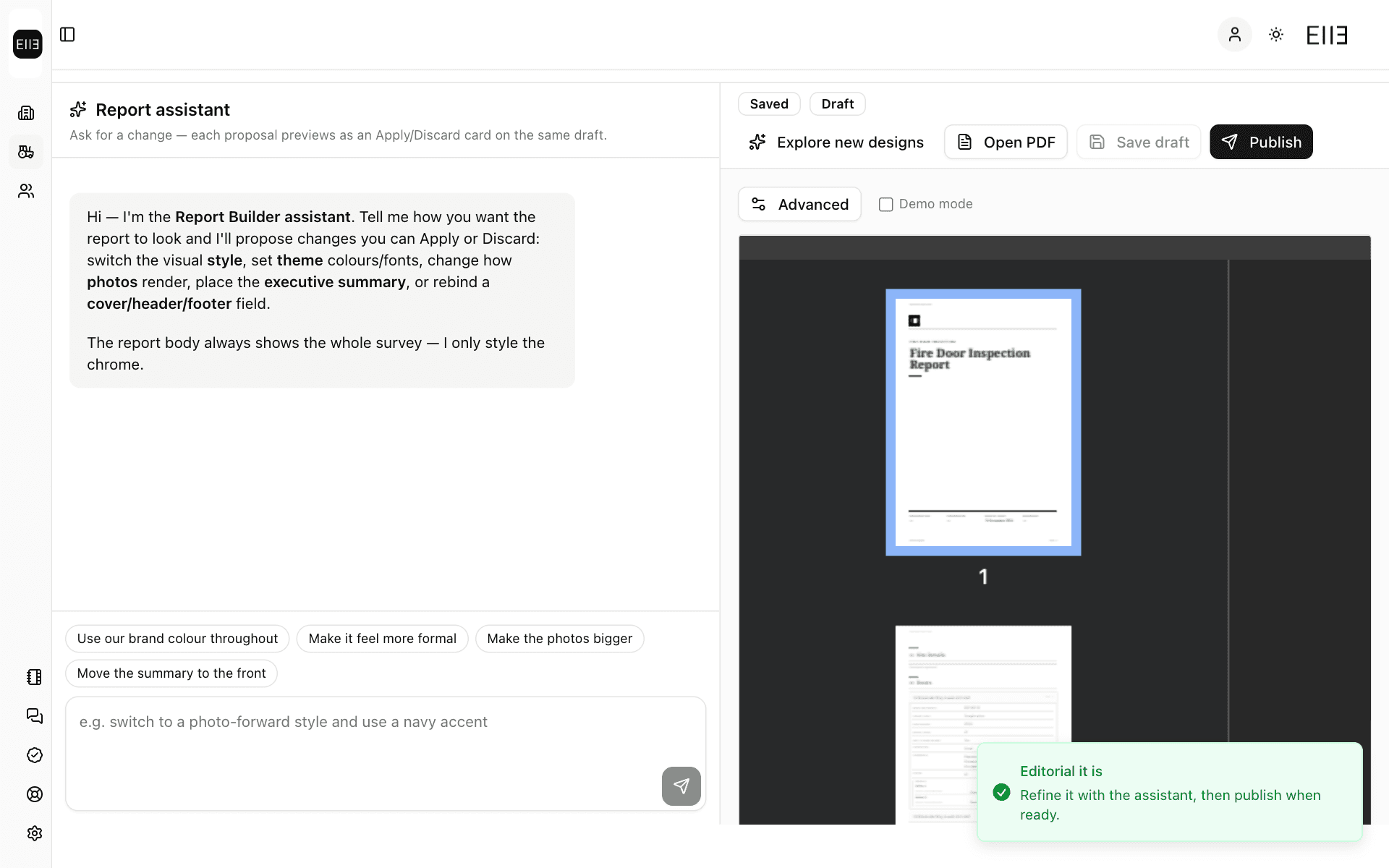
The design opens beside the Report assistant, marked Draft. Ask the assistant for changes in plain words, such as "Make it feel more formal". Each change shows as a card you apply or discard.
-
Choose Publish. The message says Report design published, and the badge changes to Published. Completed surveys on this template now get this design.
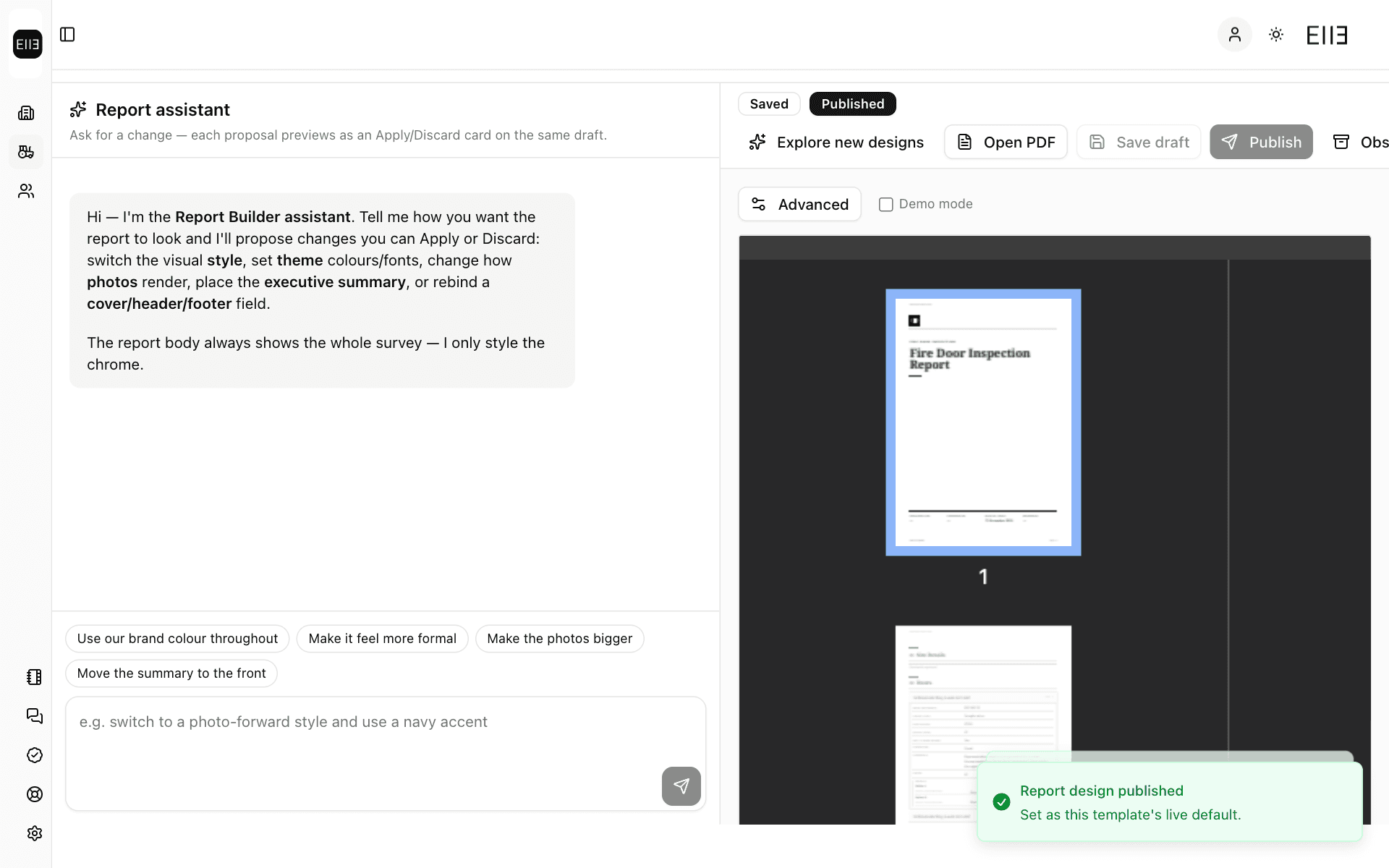
Don't like any of the 3? Choose Regenerate options for a new set. To skip the choice, choose Skip — design one for me.
Save draft keeps your changes without making them live. Only Publish changes the report your customers get.
After a New Version
When you make a new version with Carry layouts, its report design is copied as a Draft. It isn't live yet.
-
After you publish the new version, choose Review report in the Template published message. Or open the template and choose Design report.
-
The design opens with a Draft badge. Check it, then choose Publish.

Until you publish it, the new version has no live report design. See Publish and New Versions.
Check It Worked
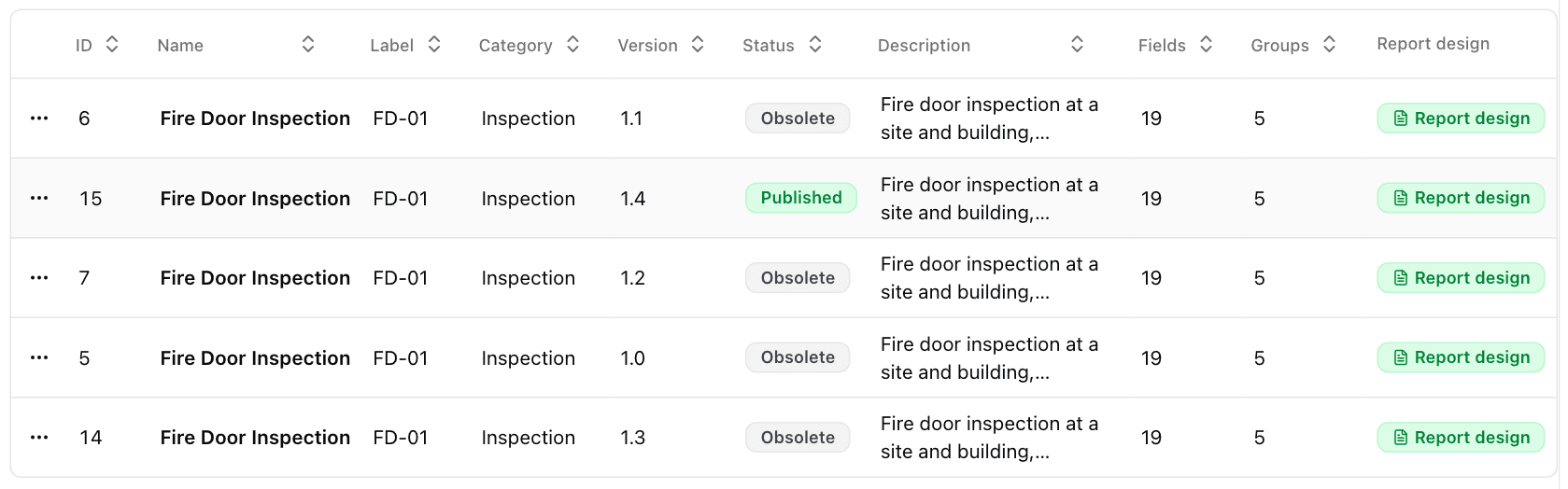
In Services › Survey Templates, a template with a published report design shows a green Report design badge in the Report design column.
Report Styles for Everyone
Services › Survey Templates › Report styles shows each style with a note on when to use it, and a sample.